
HOME / PLY · SETUP & PLAYSPACE / LOG 2026-10-11
Up to four rooms, four maps: making proper use of multiple scanned rooms in Sozo
Sozo's room selection supports up to four rooms, each with its own fixed layouts. Here's how to split long paths, boss levels and short evenings between them.
- Mehrere Räume
- stehend
- Mixed Reality
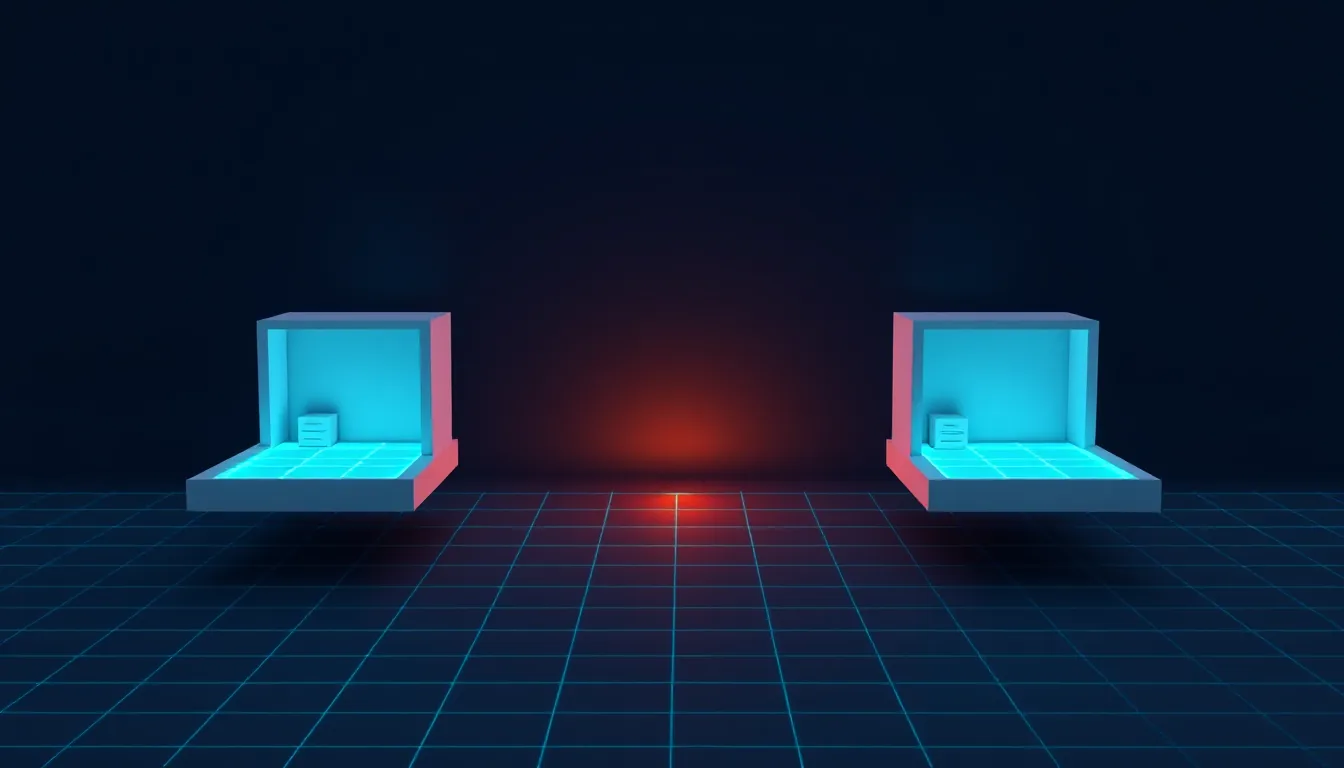
Most Quest owners play in the living room. Plenty of us have scanned more than one room, though: the living room for big sessions, the bedroom for late evenings, maybe the study or the box room. For most mixed reality games that doesn’t matter. For Sozo – Tower Defense it does, because here every room is a map of its own.
This guide explains how Sozo’s room selection works according to the studio’s game documentation, and how to use several rooms strategically. The details describe the documentation as it currently stands.
Room selection in detail
Every Sozo session starts on the “Your Room” screen. A holographic panel floats about 1.45 m in front of you. On the left you’ll see:
- a mini-map of the room with your position,
- the room name,
- a tag such as YOU ARE HERE, LAST USED or PREVIEW,
- the area as AREA in m² and the ceiling height as HEIGHT in m.
On the right, under “Rooms”, the game lists up to four known rooms, each with a preview image, name, area and a HERE or LAST tag. Tap one to see a preview.
The buttons:
- DEFEND confirms the room and starts the game.
- NEXT jumps to the next room. If there’s only one, the game tells you so.
- RESCAN launches Meta’s Space Setup to rescan the room.
The last confirmed room is preselected. Via Settings → ROOM you can return to this screen at any time.
Every room, its own maps
The most important line from the documentation on this subject: the same room plus the same level always gives the same layout. The layout is calculated from the room ID and the level number.
Which means: Verdant Hollow 12 in the living room is a different map from Verdant Hollow 12 in the bedroom. The rifts sit on different walls, the path winds around different furniture, the build slots are somewhere else. If you have two rooms, you have two variants of every level.
What stays the same: your progress. Stars, best scores, gems and garage upgrades are saved per level, not per room. If you’ve cleared a level in the living room with three stars, it’s cleared, no matter where you play next.
Strategy: which room for which level
The documentation mentions a few properties tied to room size. From those you can work out a sensible split.
Large room (living room, open-plan space)
- According to the documentation, path length grows from 5 m in the first three levels to as much as 10 m from global level 30 onwards. A large room gives the game more space to fill that length with wide arcs rather than tight hairpins.
- The number of guaranteed free build slots (8 to 12) depends on floor area. More area, more guaranteed slots.
- From level 8 there’s a second floor rift. More walls mean more options for attacks from two directions.
- Boss levels (levels 10 and 20 of each realm) have up to 15 waves according to the documentation, and a three-phase boss at the end. This is where room to move pays off.
Small room (bedroom, box room, study)
- Short distances between you, the towers and the rift. You’ve got everything in view without turning much.
- Good for the early levels of a realm: levels 1 to 5 are simply laid out according to the documentation, with fewer bends.
- Good for farming gems: according to the documentation, replays pay out the full star reward again every time. A familiar level in a small room makes for a calm evening routine.
A sensible weekly split
Here’s how a split might look if you’ve scanned two rooms:
| Situation | Room | Why |
|---|---|---|
| Starting a new realm | small | simple layouts, everything in view |
| Levels 12 to 20 with tight lanes | large | more room for complex paths |
| Boss levels | large | more freedom of movement, air defence |
| Farming gems | small | familiar layout, short sessions |
| Going back for three stars | whichever room has the better layout | you can switch, progress stays |
The last point is a genuine trick: if a level is awkwardly laid out in one room, say with a rift right next to the crystal area, switch rooms. The same level looks different in the other one.
Naming and maintaining rooms properly
Up to four rooms is enough, but only if you can tell them apart.
- Scan each room fully. Half a scan gives you half an arena. Pay attention to floor, walls and furniture.
- Check the room names. Room selection shows names and area. If the areas are similar, the preview image helps.
- Rescan after rearranging. A room where the sofa now stands somewhere else needs a fresh scan. Otherwise the arena no longer matches the real room.
- Confirm the right room. The YOU ARE HERE tag shows which room the headset thinks you’re standing in. Don’t accidentally confirm a room you’re not in.
The last point is a safety matter. An arena built for a different room won’t match your walls and furniture.
No scan? The dummy room
If the headset has no usable scan, Sozo only offers a “Dummy room” according to the documentation. The main button then reads PLAY DUMMY ROOM. Room selection states the reason, for example missing permission for room data or a scan without a usable floor. If you want to experience Sozo as a room-scale game, set up a real scan first in that case.
The alternative: VR mode
There’s also a fifth “room” that isn’t really one: VR mode. It hides the real room and places the arena on a fixed, furniture-free play area of 3.4 × 3.8 m directly in front of you. According to the documentation, this means a level has the same layout in every room. Handy if you want to learn a particular map regardless of where you are. The guardian is active again in VR mode, and a hex shield warns you when you get close to real walls or furniture. You still need enough free space in front of you.
Comfort when switching rooms
- Every room has its own lighting. A bedroom with a dimmed lamp is harder to track in than a brightly lit living room.
- Check the boundary for each room. The Quest manages its own boundary. When you switch rooms, check that it matches the current one.
- Shorter sessions in small rooms. Playing in a tight space usually means standing in one spot for longer. Shift your weight now and then and take short breaks.
Scaler’s take: Several scanned rooms turn Sozo from a game with 160 levels into one with 160 levels times the number of rooms. Large room for the late, tight levels and the bosses, small room for starting a new realm and calm farming evenings. Progress travels with you, the maps don’t. That’s exactly the kind of variety that keeps a tower defence game fresh for a long time.
Linked logs
-
PLY
6 MIN
Where the rift tears open: understanding wall selection in Sozo and shaping it with your scan
Which wall Sozo picks for the rift, why doors and windows are off limits, and how a cleanly marked scan gives you better arenas.
- Wandscan
- stehend
- Mixed Reality
-
PLY
7 MIN
Tuning the room scan for Sozo: how furniture decides paths, build hexes and chokepoints
Space Setup with a floor-based strategy game in mind: how Sozo reads your scan and which scan checklist gives you better paths and build spots.
- Raumscan
- stehend
- Mixed Reality
-
PLY
6 MIN
Tile Painting with a System: Tank Avenger's Recon Screen Step by Step
Hold the trigger, place your strokes properly, understand red tiles, read the status line: this is how you paint a clean battlefield in Tank Avenger.
- 25-cm-Kacheln
- eine zusammenhängende Fläche
- stehend
- Mixed Reality
-
CMF
6 MIN
The post-room-scale cool-down: our 15-minute protocol from headset to bed
Headset off, sit down, drink, dim the lights, then ten minutes lying down: a fixed 15-minute protocol for the evening after a lively VR session.
- Nach der Session
- sitzend
- liegend