
HOME / PLY · SETUP & PLAYSPACE / LOG 2026-10-11
Where the rift tears open: understanding wall selection in Sozo and shaping it with your scan
Which wall Sozo picks for the rift, why doors and windows are off limits, and how a cleanly marked scan gives you better arenas.
- Wandscan
- stehend
- Mixed Reality
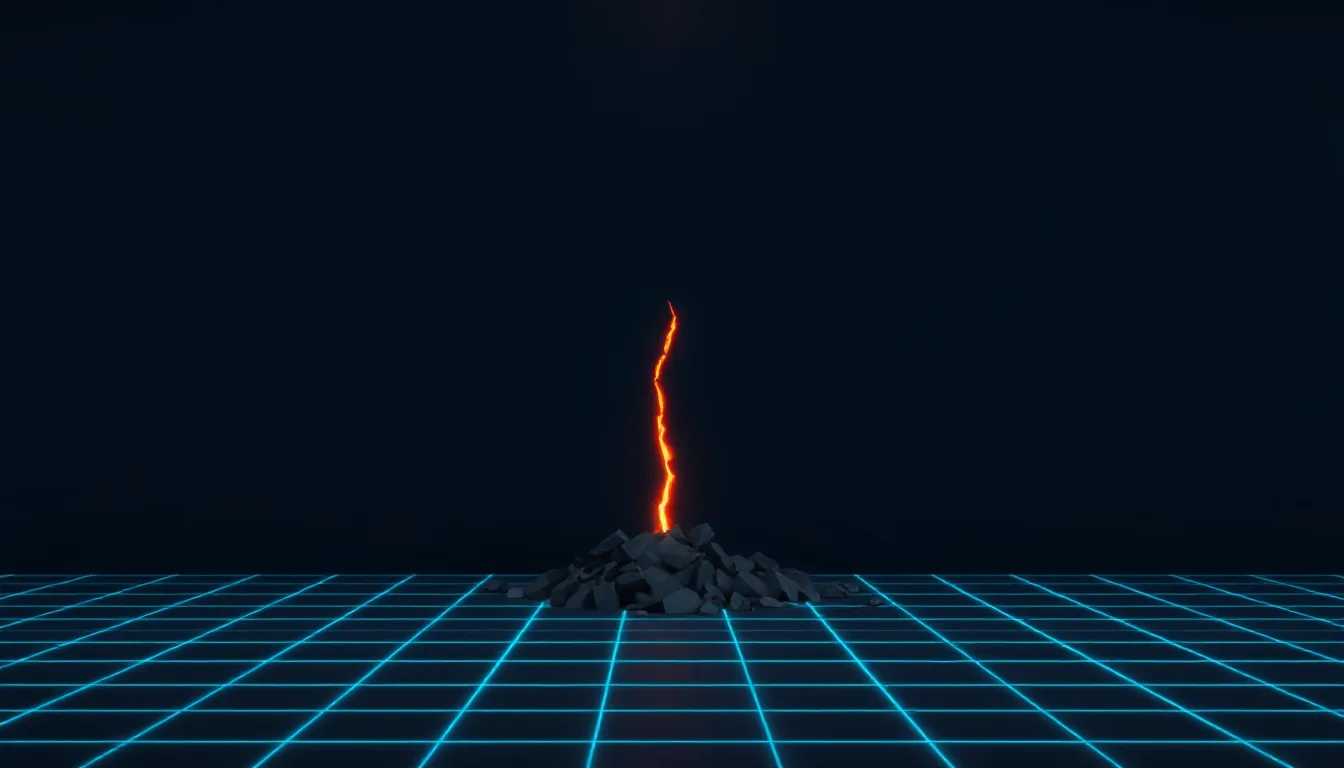
Every level in Sozo – Tower Defense starts with the same moment: somewhere in your real room, the wall tears open. A jagged split down to the floor, a glowing edge, cracks in the plaster, a cave behind it and a pile of rubble in the style of the current realm. Every ground enemy comes out of that rift.
Which wall it hits is no accident. The studio’s game guide lays out clear rules for it. Know them, and you can use Space Setup to influence how your arenas look. This article explains the rules and shows you step by step how to tune your scan to suit them. All figures come from the current guide and may change with updates.
The rules of wall selection
According to the guide, Sozo places the ground rift on a real wall that meets these conditions:
- At least 1 m long, with clear floor in front of it.
- No doors, no windows, no wall art. These surfaces are avoided.
- Walls within 5 m of you are preferred.
- If nothing fits, these rules are relaxed step by step.
Two more elements hang on the rift wall:
- The flyer hole appears from level 3. It sits on the same wall, about 1.5 m above the floor above the first ground rift, and stays below the ceiling.
- The second ground rift arrives from level 8. It sits either on a different wall or at least 1.5 m along the same wall. Ground enemies then come alternately from both rifts, and there are two paths.
The core crystal you defend stands on the floor and, according to the guide, keeps at least 1 m of distance from every rift.
Why doors and windows matter
To the game, a door is initially just a surface in a wall. But if it isn’t marked as a door in the scan, Sozo may take it for an ordinary wall. Then the rift can open exactly there. That doesn’t just look odd when the real door opens and a housemate walks through your rift. It also means enemies come from an area people use to enter the room.
With windows the problem is similar. A rift in front of a pane of glass is less convincing in passthrough than one in a solid wall, and window sills often jut into the room. Wall art such as pictures or mirrors is also on the list of avoided surfaces.
In short: the more cleanly you mark doors, windows and wall pictures in the scan, the more likely the rift is to land on a calm, flat stretch of wall.
Step by step: preparing your scan for better rifts
- Take a wall inventory. Walk the room and note which walls have at least 1 m of free length with clear floor in front of them. A sideboard in front of a wall takes away that wall’s clear floor.
- Pick your preferred wall. Ideally a smooth wall with no door, window or pictures, with enough clear floor in front of it and positioned so you can see it well from where you play.
- Start Space Setup. On current Quest versions under Settings → Physical Space → Space Setup, or directly via RESCAN in Sozo’s room selection.
- Capture walls in full. Don’t skip any sections of wall, even behind furniture.
- Mark doors and windows if Space Setup offers or suggests it. Check whether automatic detection has found them correctly.
- Check wall pictures and mirrors. If your version of Space Setup can capture wall decoration, use it.
- Keep the floor in front of your preferred wall clear. No clothes horse, no basket, no bags.
- Launch Sozo and check the first level. See where the rift appears. If you don’t like the position, a targeted new scan is the only lever you have.
What you can’t control
Honestly: you can influence wall selection, but not dictate it. According to the guide, the layout is calculated from your room ID and the level number. The same room and the same level always produce the same arena. A different level can put the rift on another wall if several suitable walls are available.
That also means: play in a room with only one suitable wall and you’ll see the rift in almost the same spot every time. Have several suitable walls and you get more variety. Both are fine. A small room with one fixed “front wall” feels like a castle with a single gate. A large room with shifting fronts feels more like a campaign.
From level 8: planning for two rifts
The second ground rift from level 8 doubles the paths. It needs either a second suitable wall or enough length on the same wall, because it has to be at least 1.5 m from the first.
For your scan that means:
- A single long wall of 3 m or more is theoretically enough for both rifts. The paths then run into the room in parallel, which often produces cells between two lanes. According to the guide, these cells count among the best build spots.
- Two separate walls mean attacks from two directions. That’s more demanding strategically, because you turn your head more and have to split your defence.
Which variant you get is down to the game. But clear floor in front of as many walls as possible gives it more options.
Keeping an eye on the flyer hole
From level 3 the high flyer hole joins in. It sits on the same wall as the first ground rift, about 1.5 m up. According to the guide, flyers don’t attack the crystal but your towers. Only when no tower is left standing do they go for the crystal.
For wall selection that matters because you need to see the hole to spot flyers early and fend them off with your hand or controller. A rift wall right behind your back is awkward. If you have the choice, stand so that the rift wall is in front of you while you play. According to the guide, the layout doesn’t depend on where you stand, so you’re free to move around.
Comfort and safety notes
- Keep your distance from the rift wall. Flyers circle your towers and you swing at them. Leave enough space from the real wall so your swing doesn’t end in the plaster.
- Don’t reach into the rift. Sounds obvious, but the rift looks like a cave. Behind it is a wall.
- Leave the guardian on. The boundary stays on, even in mixed reality mode.
- Keep the doorway clear. If your door is correctly marked in the scan, no rift will land there. Even so, don’t stand directly in front of a door someone might come through.
When no wall fits at all
Small rooms with lots of doors, windows and fitted wardrobes often offer barely 1 m of free wall. Sozo then relaxes the rules step by step. The game still works, but the rift may land somewhere less ideal. If that bothers you, VR mode is an alternative. It hides the room, places the arena on a floating island and uses a fixed play area of 3.4 × 3.8 m. There the rifts sit in rock formations rather than walls. According to the guide, the gameplay is identical in both modes.
Scaler’s take: Wall selection in Sozo follows clear rules, and a clean scan is the only lever we have. Mark doors and windows, capture wall pictures, keep the floor clear in front of calm walls: that’s ten minutes of work. After that, the wall tears open where it looks best, and not next to your bedroom door.
Linked logs
-
PLY
6 MIN
Up to four rooms, four maps: making proper use of multiple scanned rooms in Sozo
Sozo's room selection supports up to four rooms, each with its own fixed layouts. Here's how to split long paths, boss levels and short evenings between them.
- Mehrere Räume
- stehend
- Mixed Reality
-
PLY
7 MIN
Tuning the room scan for Sozo: how furniture decides paths, build hexes and chokepoints
Space Setup with a floor-based strategy game in mind: how Sozo reads your scan and which scan checklist gives you better paths and build spots.
- Raumscan
- stehend
- Mixed Reality
-
PLY
6 MIN
Tile Painting with a System: Tank Avenger's Recon Screen Step by Step
Hold the trigger, place your strokes properly, understand red tiles, read the status line: this is how you paint a clean battlefield in Tank Avenger.
- 25-cm-Kacheln
- eine zusammenhängende Fläche
- stehend
- Mixed Reality
-
CMF
6 MIN
The post-room-scale cool-down: our 15-minute protocol from headset to bed
Headset off, sit down, drink, dim the lights, then ten minutes lying down: a fixed 15-minute protocol for the evening after a lively VR session.
- Nach der Session
- sitzend
- liegend